
Grand Blue Fruit Spawn Timer: 60-Minute Search Reminder
Start a local 60-minute Grand Blue fruit search reminder without claiming access to the Roblox server clock, spawn state, or location.
FAQ
Is this a live Grand Blue server timer?
Why does the timer use 60 minutes?
Will the timer alert me after I close the page?
Personal reminder
Grand Blue fruit search timer
This clock starts from your device time. It cannot see the Roblox server or confirm a spawn.
No reminder set
60:00
Start when you want a check in 60 minutes.
What this timer means
The official Grand Blue description says Cursed Fruits spawn every hour on trees and plants. It does not publish a global countdown, a server synchronization rule, or a statement that finding an existing fruit starts the next cycle.
Use the timer as a personal reminder to look again. “Time to check” means exactly that; it does not mean a fruit has appeared.
When to start or reset it
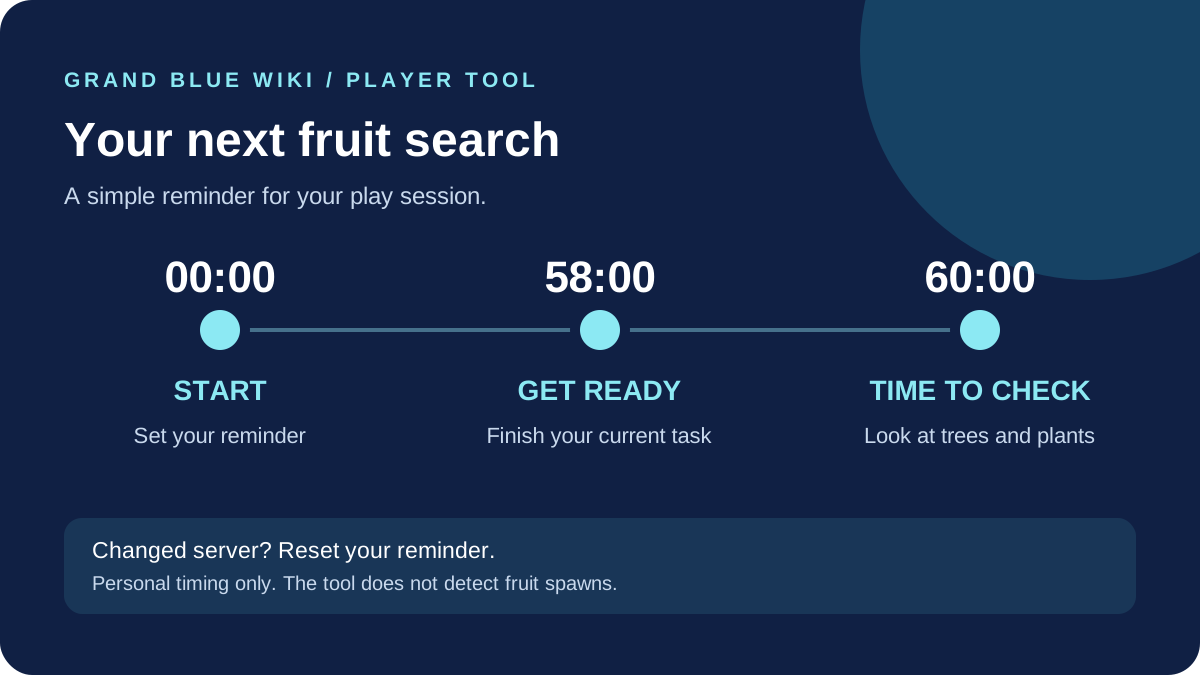
Start the clock when a 60-minute reminder would help your play session. A personally observed spawn is stronger context than merely joining a server or finding a fruit that may have been present for some time. In every case, the displayed time remains an estimate.
Reset after changing servers, after a game update or shutdown, when the device clock changes, or when your original observation no longer applies. For a fuller search routine, read How to Get Fruits and the confirmed fruit mechanics. New players can start with the beginner checklist.
Privacy and technical limits
The tool stores one deadline in this browser’s local storage. It sends no timer data to this site and uses no game API. If browser storage is unavailable, the countdown can run only while the current page stays open. Closing the page does not create a notification.
Related Articles
cursed-fruits
Grand Blue Cursed Fruits Database: Rarities, Rates & Roles
Compare all 10 Grand Blue Roblox Cursed Fruits, including Darkness, Flame, and Wolf, with published chest chances, combat roles, and skill mechanics.
cursed-fruits
Grand Blue Fruit Tier List: All Cursed Fruits Ranked
Compare all 10 Grand Blue Cursed Fruits in an S-to-C tier list covering combat, farming, movement, sustain, and general progression value.
cursed-fruits
How to Get Cursed Fruits in Grand Blue: 5 Proven Routes
Master all five ways to get Cursed Fruits in Grand Blue Roblox: Calvin's quest, free launch codes, Celestial Coin chests, hourly spawns, and world bosses.
Was this helpful?
Thanks for the feedback!